
ChargeClaim: charge at home, drive for work, know what you can claim.
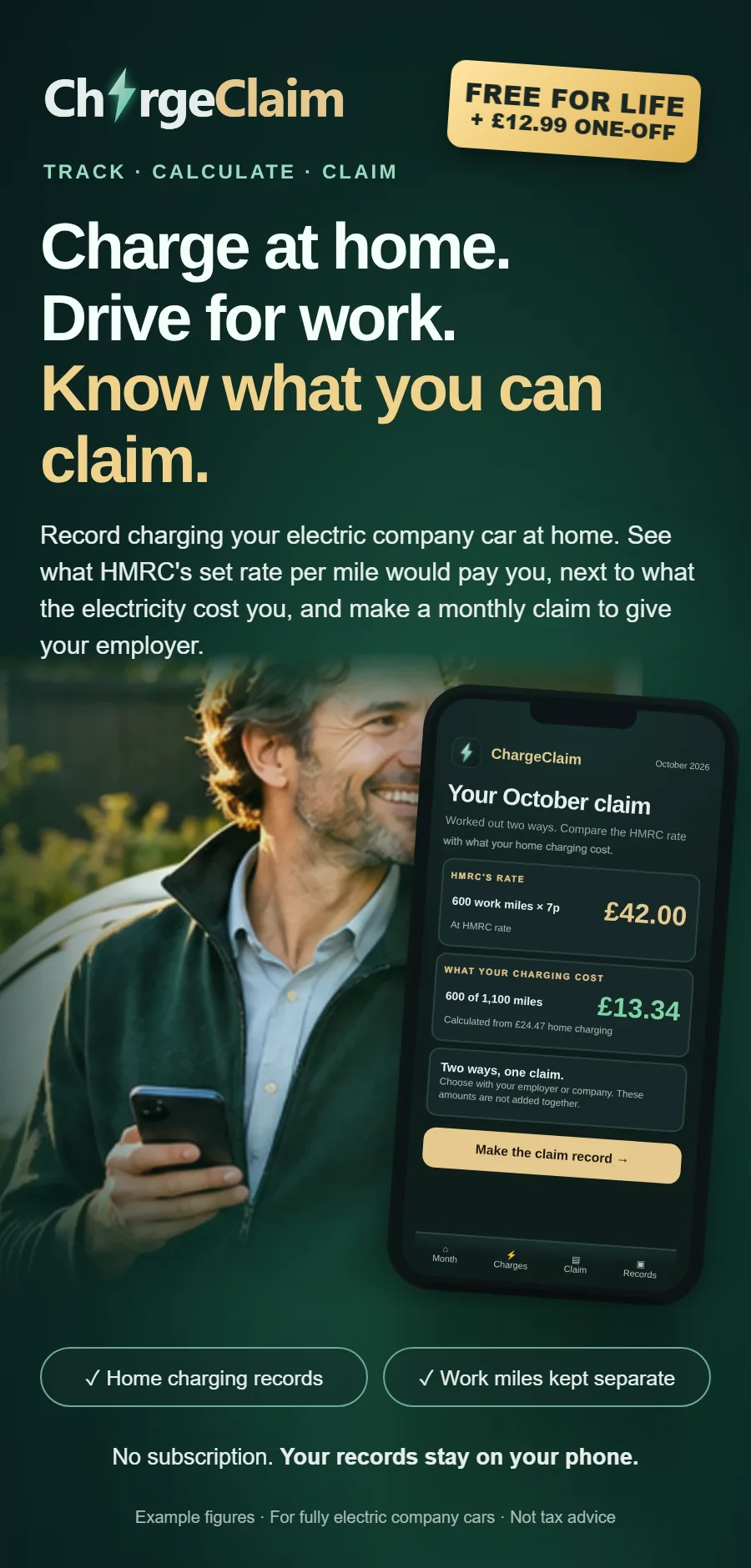
Record charging your electric company car at home. See what HMRC's set rate per mile would pay you, next to what the electricity cost you, and make a monthly claim to give your employer.

- ✓ Home charging records
- ✓ Work miles kept separate
Free for life, with a £12.99 one-off payment to unlock the special features. Every feature is unlocked for your first 40 days. No subscription. Your records stay on your phone.
Example figures · For fully electric company cars · Not tax advice
Free for life. £12.99 once for the special features.
For Android phones. One payment, never a subscription.
Your first 40 days
Everything unlocked
Every feature, including the special features, free for 40 days from when you first open ChargeClaim.
Always free
Free for life
- Type in your charges, prices and miles
- Every figure marked exact or estimated
- This month's claim, worked out two ways: at HMRC's rate and at what your charging cost
- This month's graphs
- Backup and restore
- The how-to videos
Special features
£12.99, once
- A monthly claim to send your employer: a document to print or email, and an Excel spreadsheet
- Graphs for every week, month and year
- Add charges without typing: download your charging history from your charger's app or website, and ChargeClaim reads it. Works with a myenergi zappi (version 2) and most other chargers.
After the 40 days, everything you've saved stays yours, and the free features keep working. ChargeClaim isn't connected with, or approved by, myenergi.
What ChargeClaim does
Six things, from your first charge to a record you can share. Every figure in these pictures is a made-up example.


Got a myenergi zappi?
If yours is a version 2 zappi, add your charges without typing them. Download the Charging Sessions file from your myenergi account, and add it to ChargeClaim as it is. ChargeClaim counts only the electricity you buy from your supplier. It takes off any free electricity from your solar panels, which your zappi measures.
Older version 1 zappis can't download their charging sessions.
A special feature: unlocked for your first 40 days, then part of ChargeClaim's £12.99 one-off payment. ChargeClaim itself is free for life.
ChargeClaim is an independent app. It isn't connected with, approved by or endorsed by myenergi.
Who it's for
- Drivers of a fully electric company car, including cars you get through a salary sacrifice scheme, who charge at home and claim the cost from their employer, either at HMRC's set rate per mile for electric company cars, or at what the electricity cost you.
- Directors whose own limited company provides their electric car.
Not yet for:
- your own car used for work, or the self-employed;
- plug-in hybrids.
Our promise: clear numbers
- Every figure tells you whether it's exact, from your own records, or an estimate, and why.
- If something's missing, such as a price or a mileage reading, ChargeClaim tells you what's missing instead of guessing.
- Your records stay on your phone. No account, and nothing sent to us.
- We show the figures. Which way to claim is up to you and your employer or company.
Good questions
The ones everyone asks first.
Who is ChargeClaim for?
Drivers of a fully electric company car, including salary sacrifice cars, who charge at home and claim the cost from their employer. And directors whose own limited company provides their electric car. It isn't for your own car used for work, the self-employed or plug-in hybrids yet.
What does it cost?
ChargeClaim is free for life. Every feature is unlocked for your first 40 days. After that, the special features are a one-off £12.99 payment. There's no subscription.
Does it send my records anywhere?
No. Your records stay on your phone. There's no account and no sign-in, and we never see what you type. Nothing leaves your phone unless you save a file and send it on yourself. Read the privacy policy.
Is this tax advice?
No. ChargeClaim keeps your records and works out the figures. Which way to claim is up to you and your employer or company. If you're unsure, ask your employer or an accountant.
Why does it work out my claim two ways?
Your employer can pay you HMRC's set rate per mile, or what your charging actually cost if that's more. ChargeClaim shows both, side by side. You claim one or the other, not both. Read HMRC's electricity rates, explained.
Do I need a smart charger?
No. You can type in your charges. If your charger lets you download a spreadsheet of your charges, you can add the whole file instead. ChargeClaim reads a version 2 myenergi zappi's file as it is.
My electricity is cheaper at night. Does it handle that?
Yes. You tell ChargeClaim your prices and your cheap-price times once, and it prices each charge by when it happened.
What do I give my employer?
A monthly claim record: a PDF, or a spreadsheet of your figures. You choose where it's saved, then send it however your employer likes. If your figures change after you've made one, ChargeClaim tells you, so you can make a new one.
I have solar panels. Does it count those?
If your charger's file shows how much came from your solar panels, ChargeClaim leaves that out of the cost, because you didn't pay for it. Home batteries aren't covered yet.
What if I change my phone?
Make a backup in ChargeClaim, locked with a password you choose, and restore it on the new phone. Keep the password safe: we can't recover it, because we never have it.
Is there an iPhone version?
Not yet. ChargeClaim is for Android phones, Android 8 or newer.